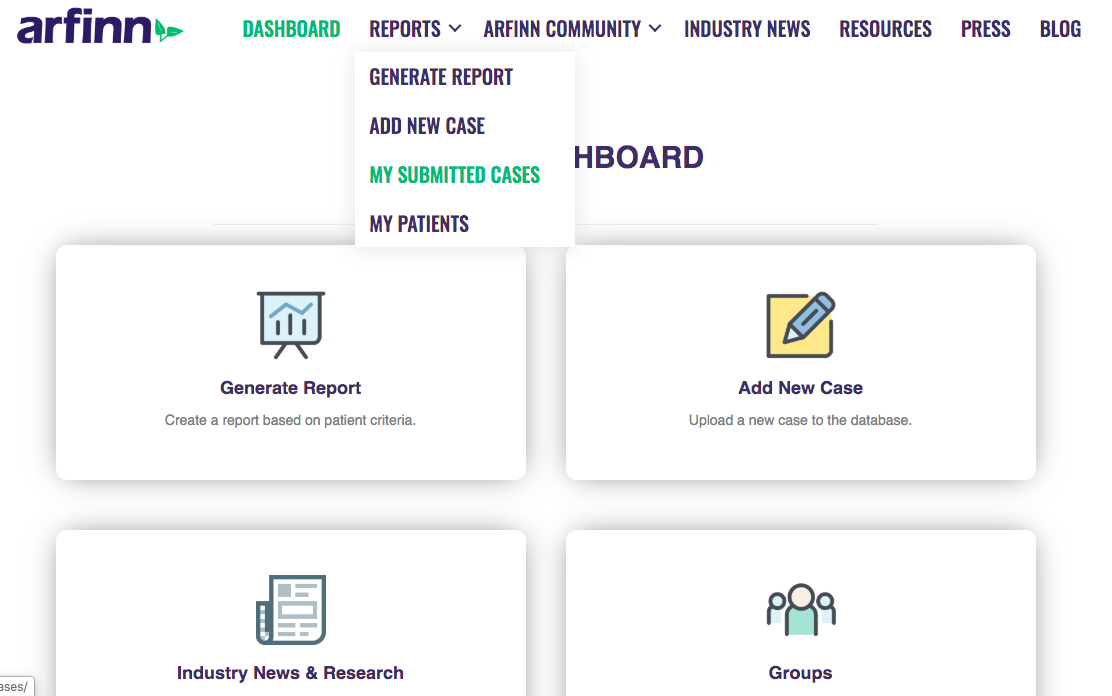
To access your patient files, hover over reports and select 'My Submitted Cases'.
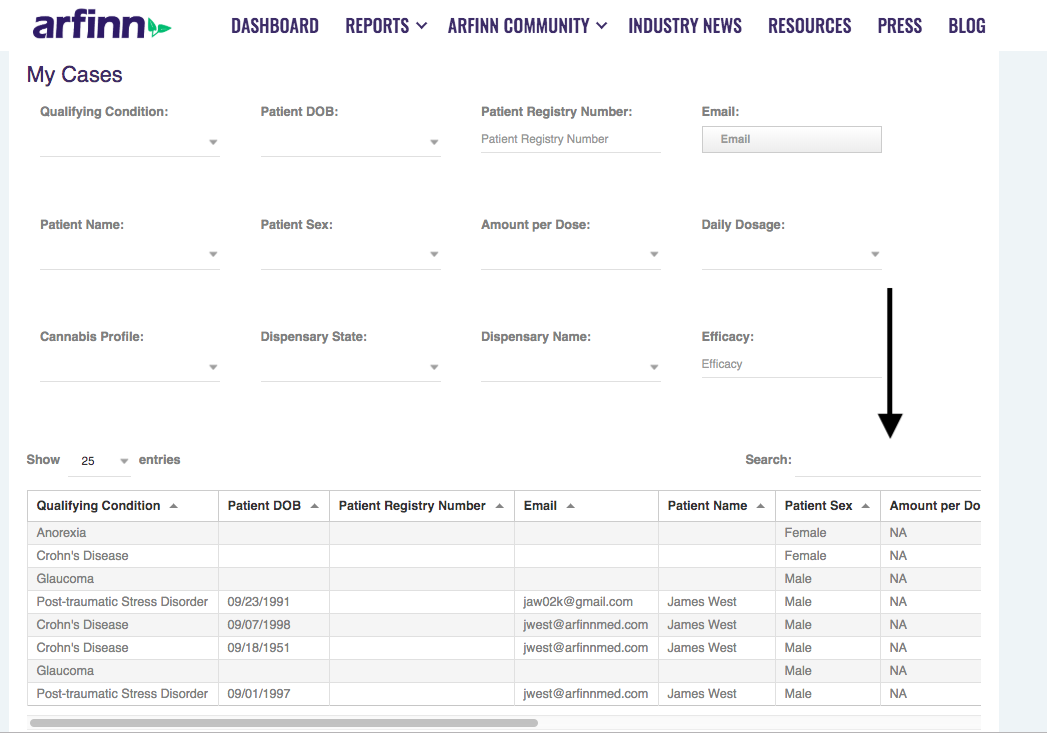
Scroll down to the bottom of the page to find your patient list. Type any identifying information into the search box to locate the patient quickly.
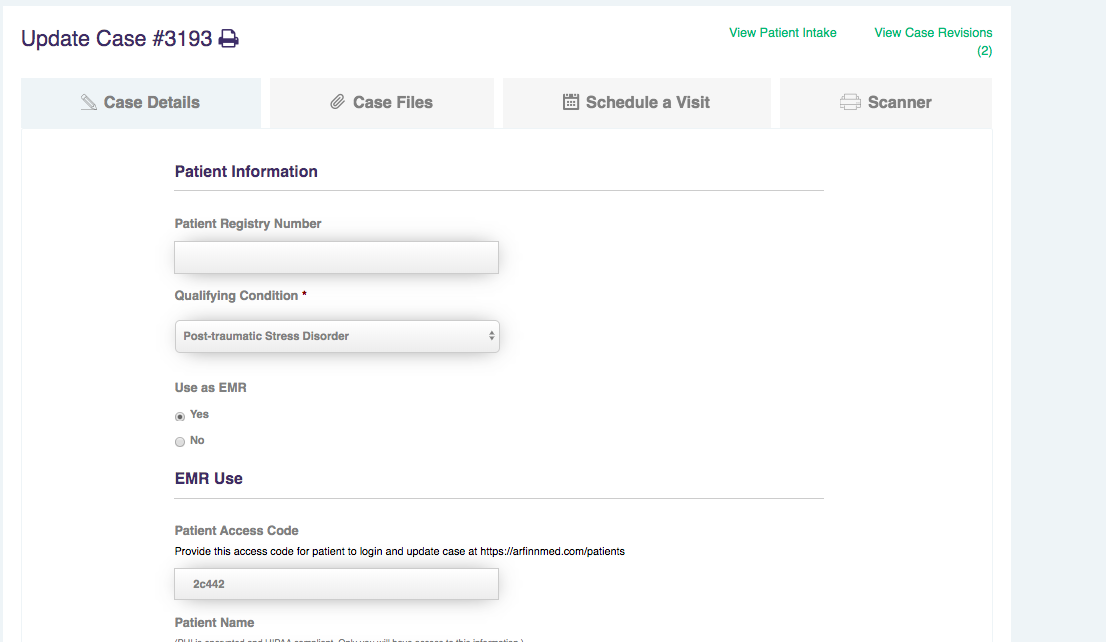
Click on the patient, and then you will be taken to the patient case to make any updates, create a follow-up note, scan documents, or schedule an appointment.