1) Hover over SETTINGS on your dashboard.
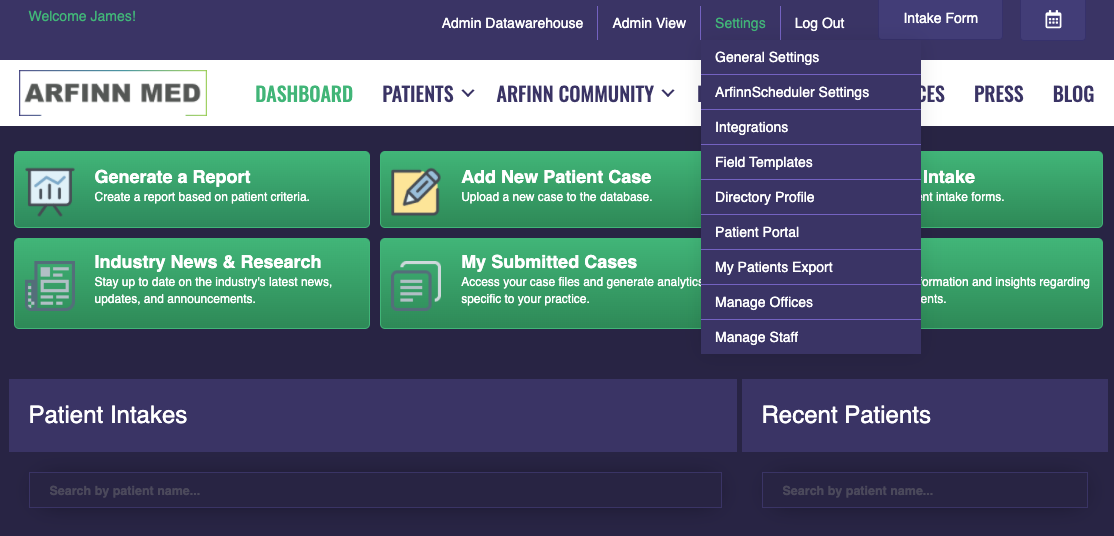
2) Select ‘GENERAL SETTINGS’.
3) Enter in the amount of days until the patient will need to be recertified on the bottom of the page.

4) Hit ‘UPDATE’ to save.
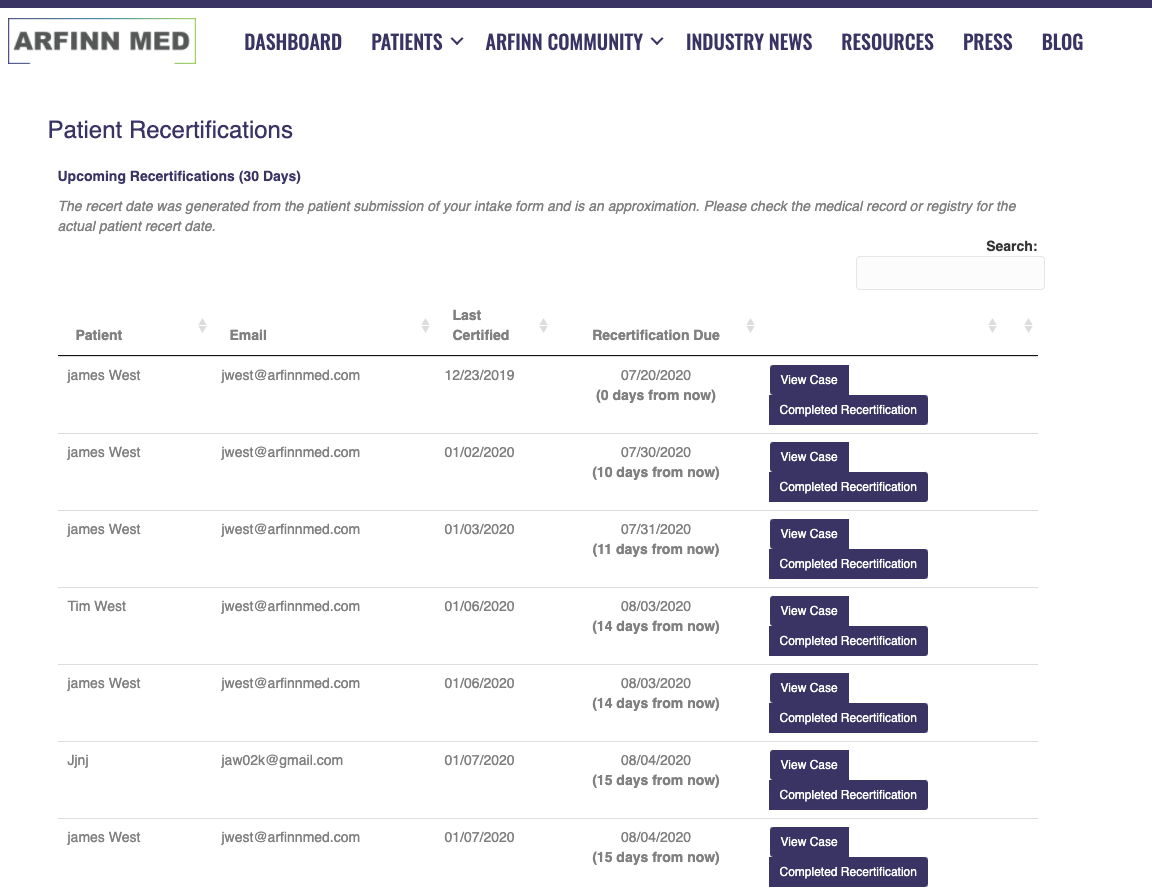
5) Hover over PATIENTS on the menu bar and select ‘RECERTIFICATIONS’.

6) Any patient who will need a recertification within 30 days will be included on this page so you can reach out to schedule.
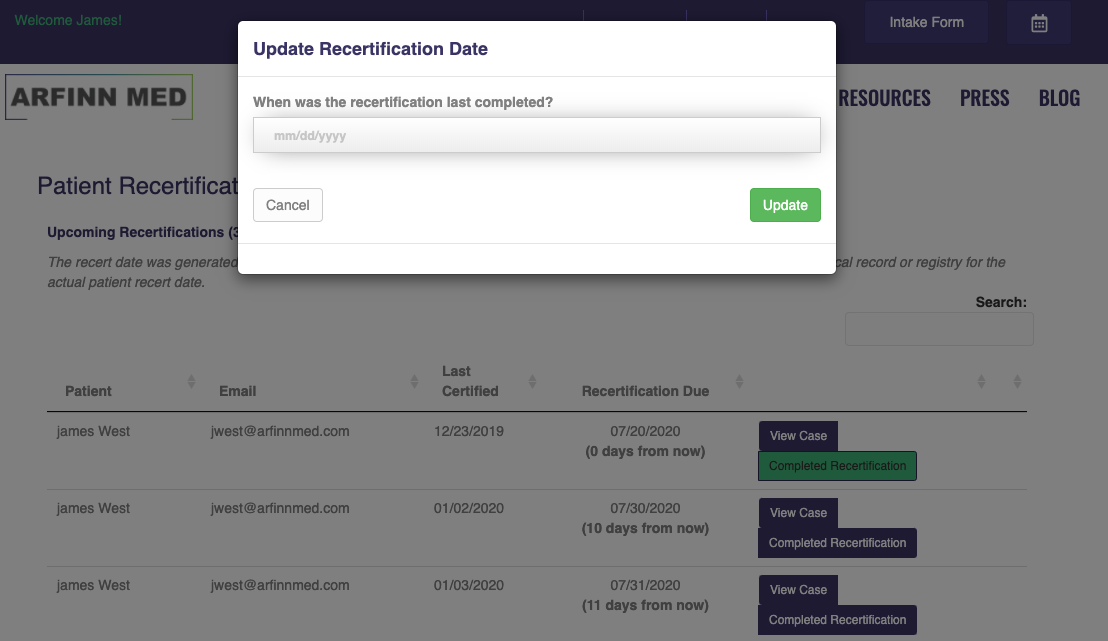
7) Once the patient is recertified, click the ‘COMPLETED RECERTIFICATION’ button and enter the date to restart the patient’s recertification cycle.