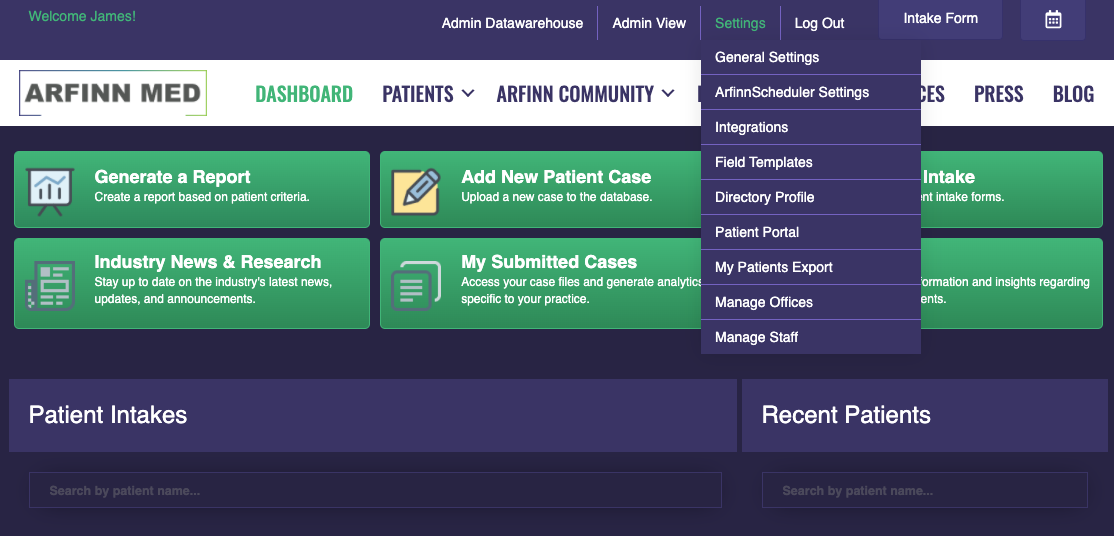
Arfinn Med comes with an existing consent that patients can e-sign before an encounter. To enable the consent option, hover over settings and select 'PATIENT PORTAL'.
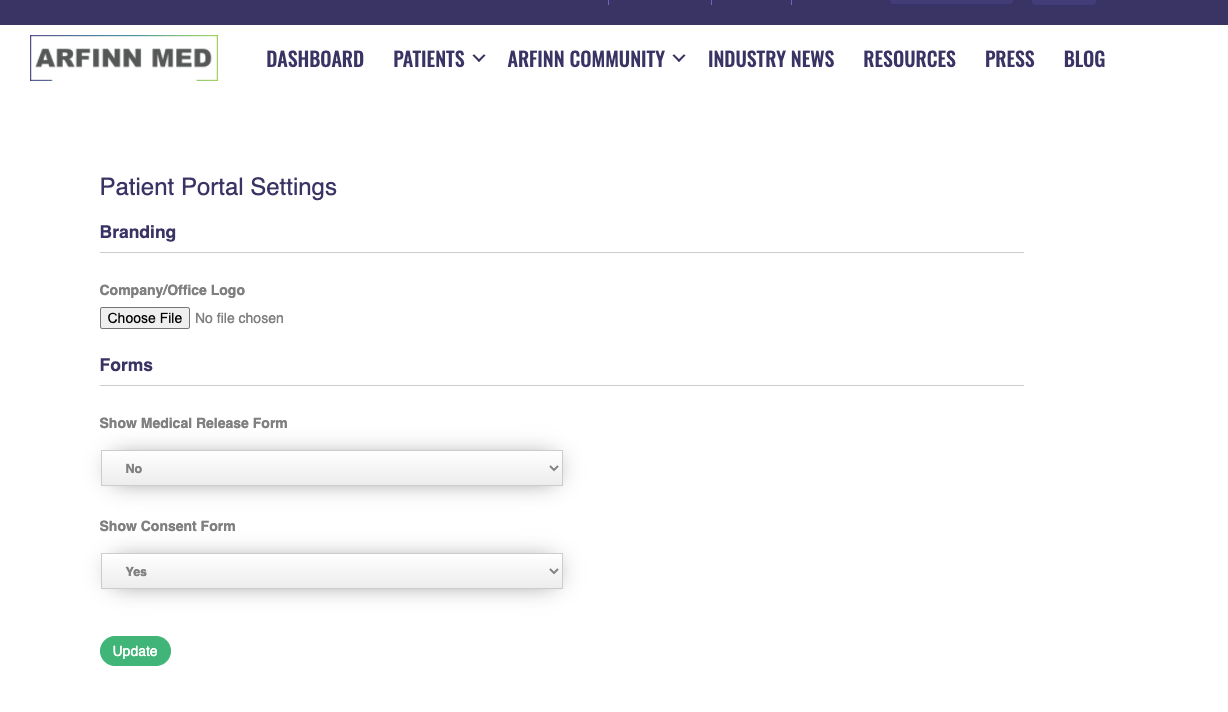
1) Make sure the 'SHOW CONSENT FORM' box is switched to 'YES'. This will add the consent form to your intake form link. Patients can complete the consent directly after completing the intake form.
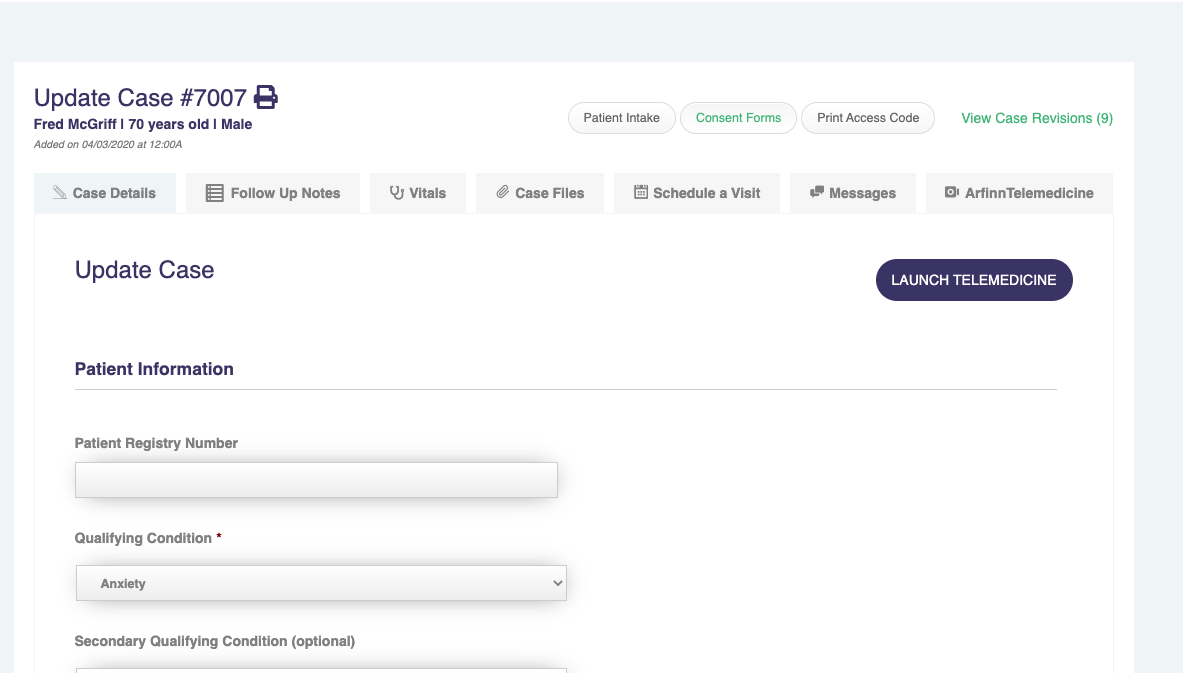
2) You can view completed consents after a medical record is created for the patient. On the update case page, click the button 'CONSENTS'.
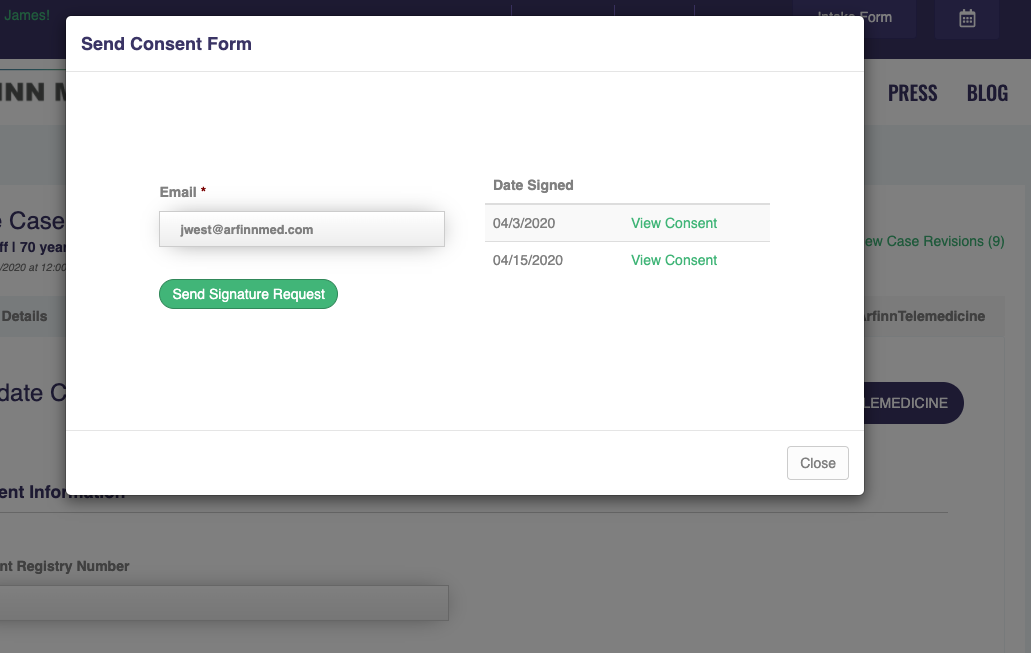
3) You will then be able to see all completed consent forms for this patient. If you need to have the form signed again for follow-up encounters, you can hit the 'SEND SIGNATURE REQUEST' button to email the patient a link to complete the consent.