Arfinn Med allows medical professionals to send HIPAA-Compliant messages to their patients via the patient portal.
1) Navigate to the patient record you would like to message.
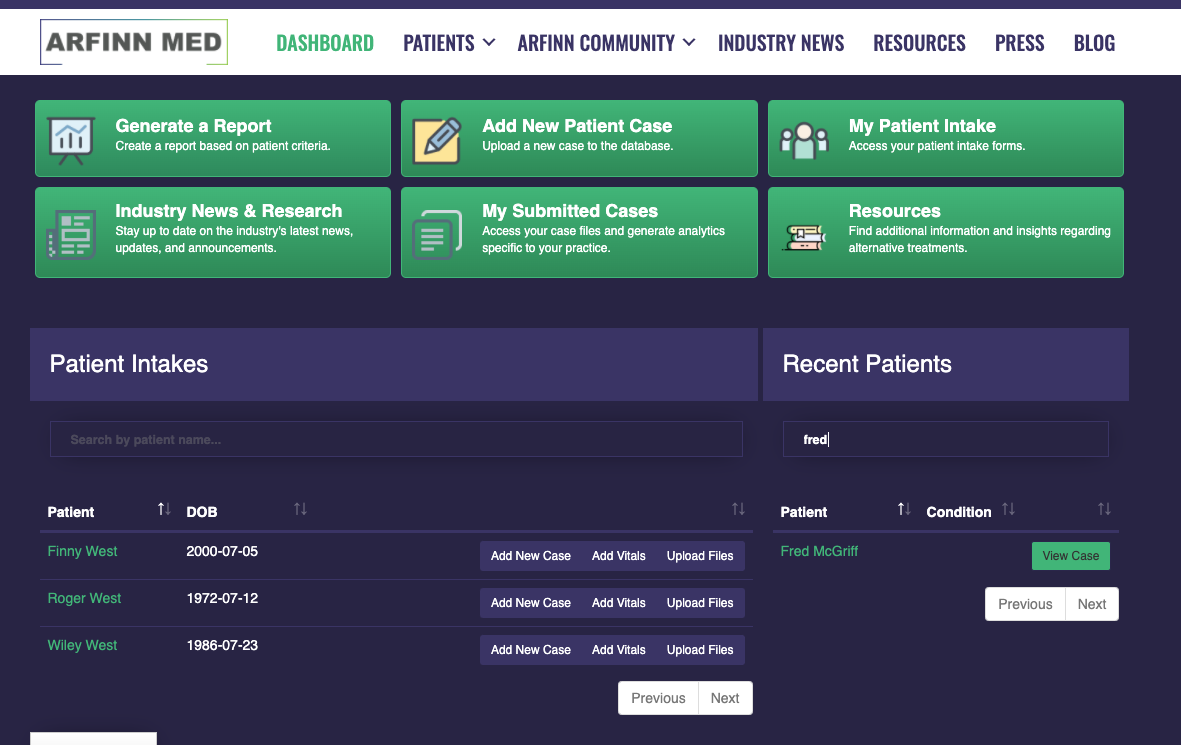
2) On the Update Case page, select the 'MESSAGES' tab.
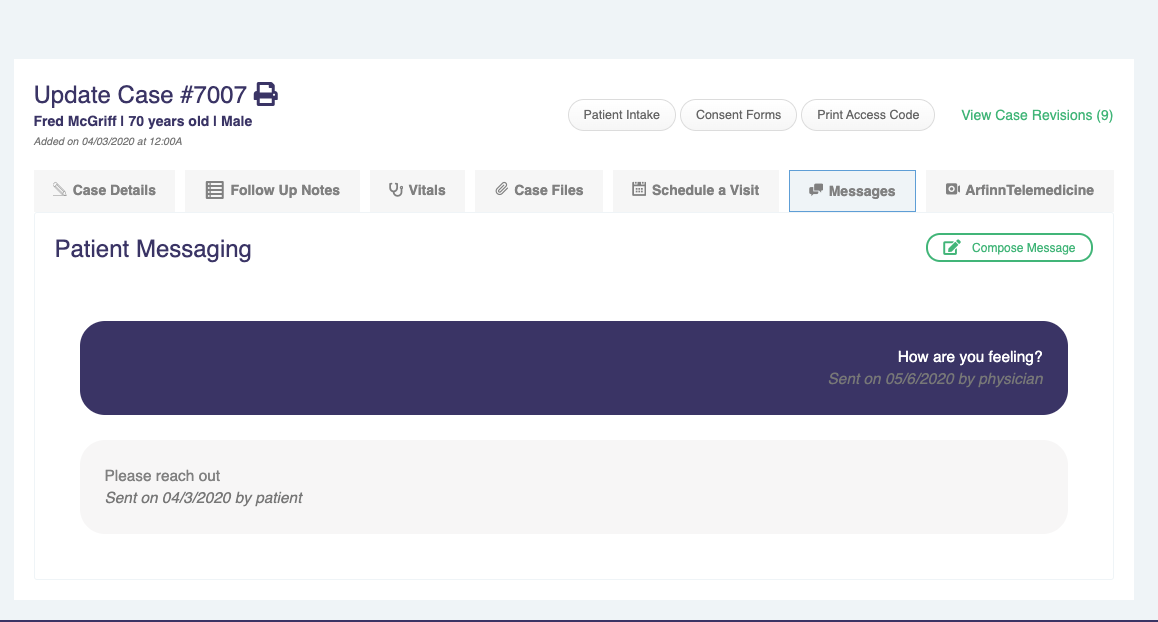
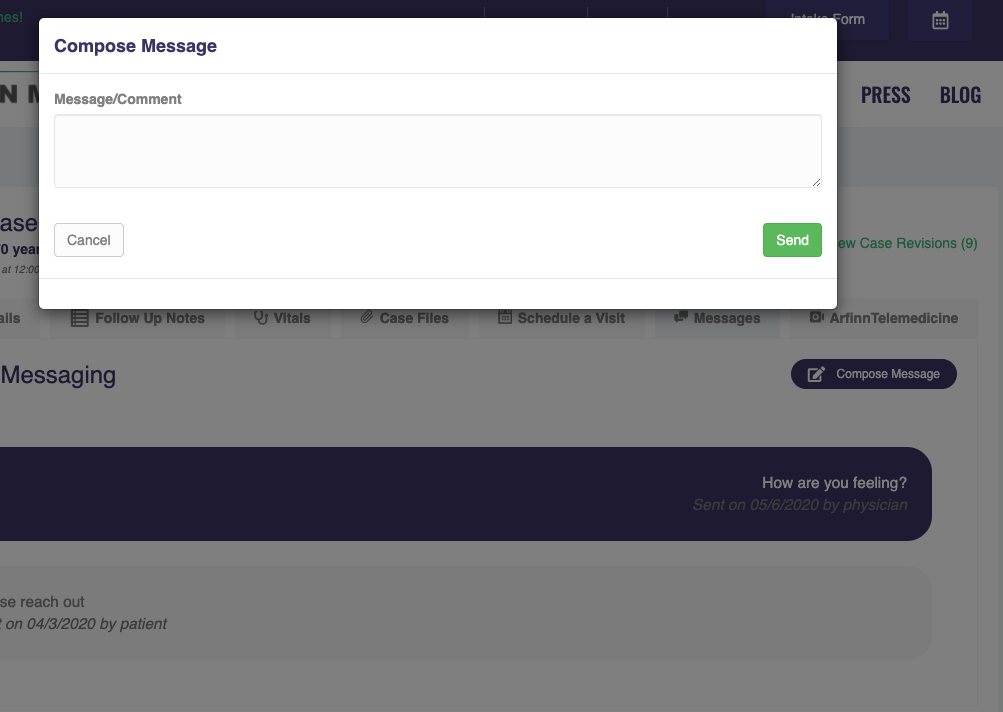
3) Compose your message and hit hit the 'SEND' button. The patient will receive an email to access the Patient Portal to view the message. (How do patients access the patient portal?)
4) The patient may then respond to your message. Your clinic will get an email asking you to log in to Arfinn Med to view the message.